

Quick Start
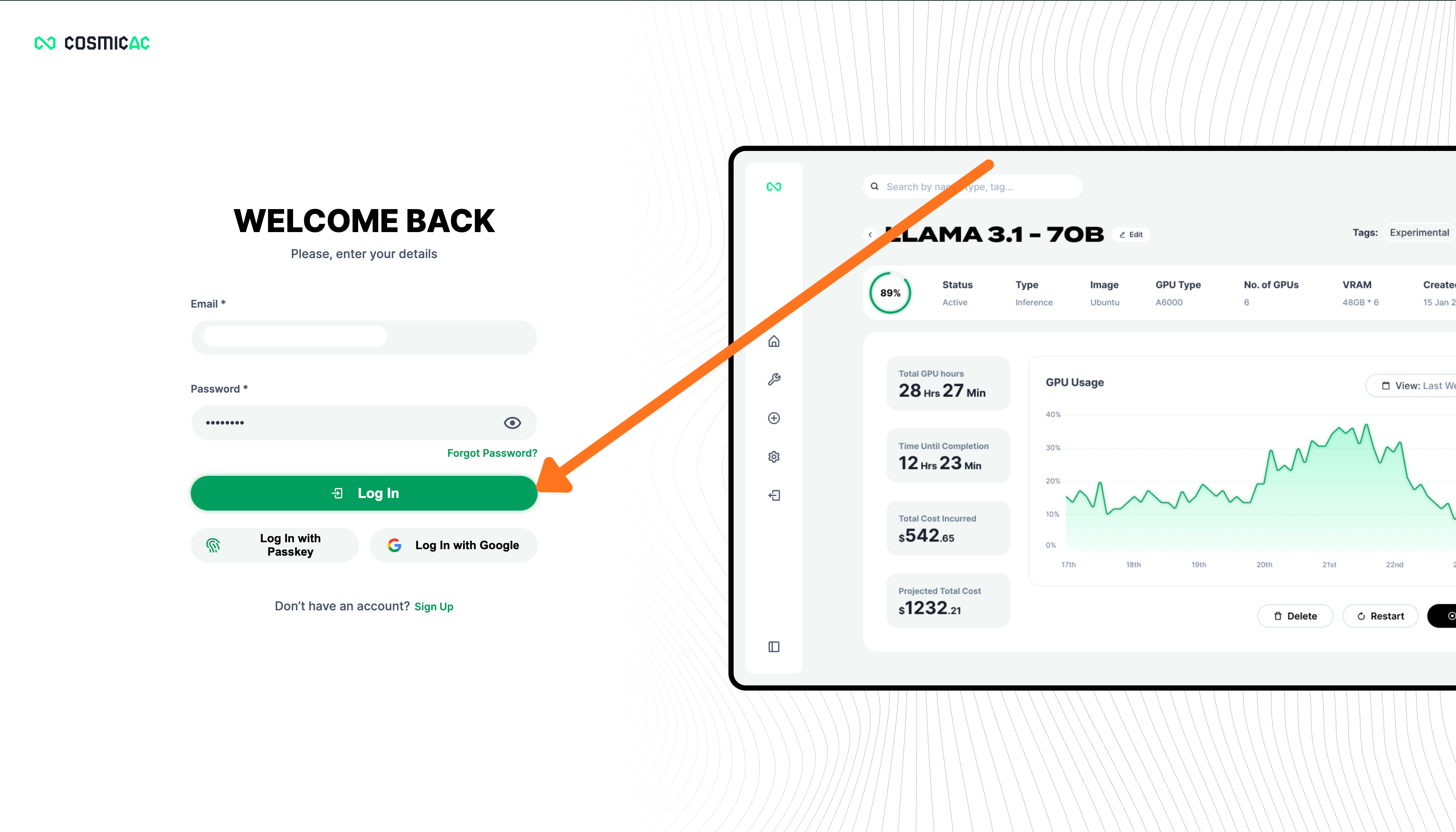
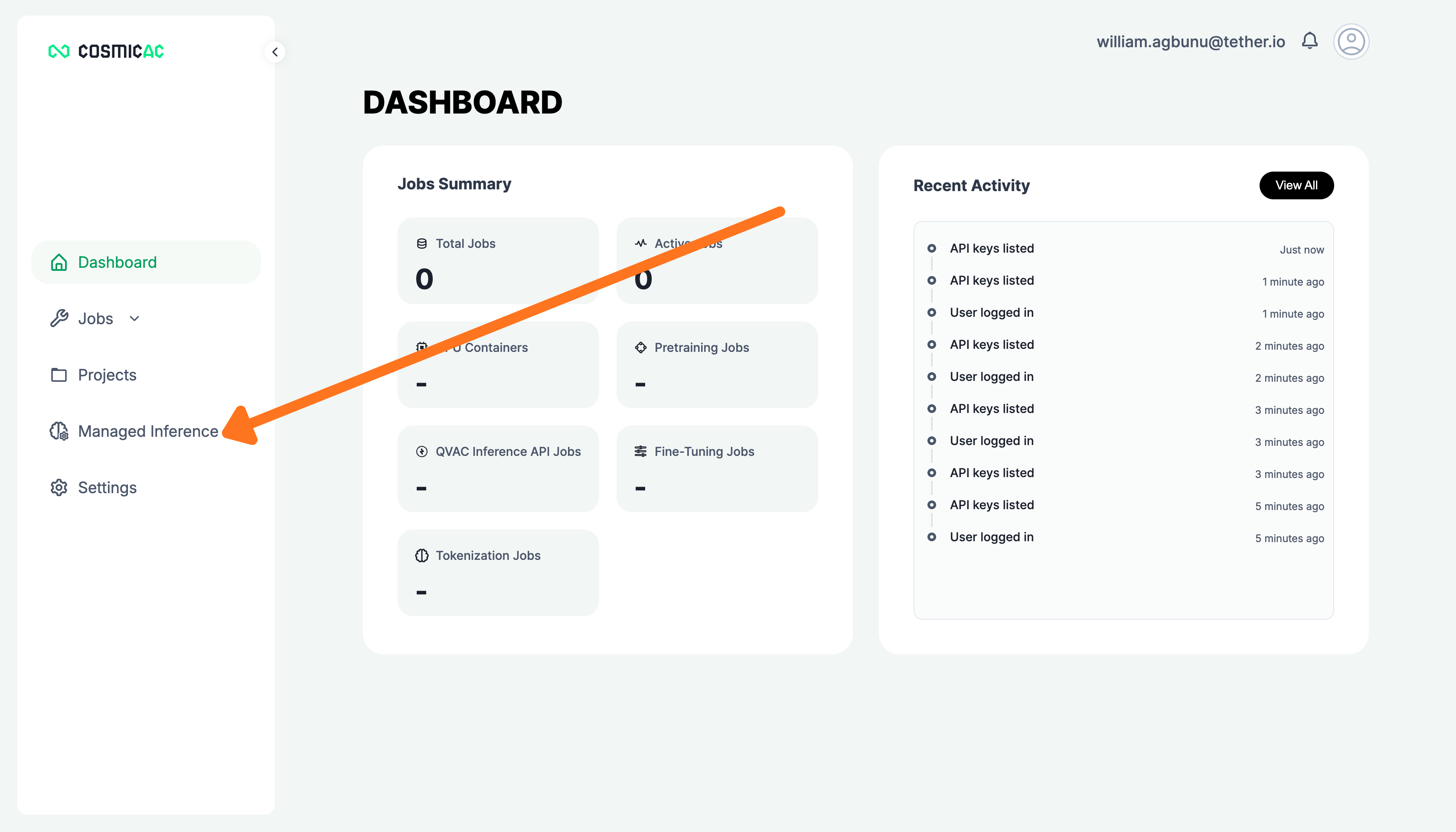
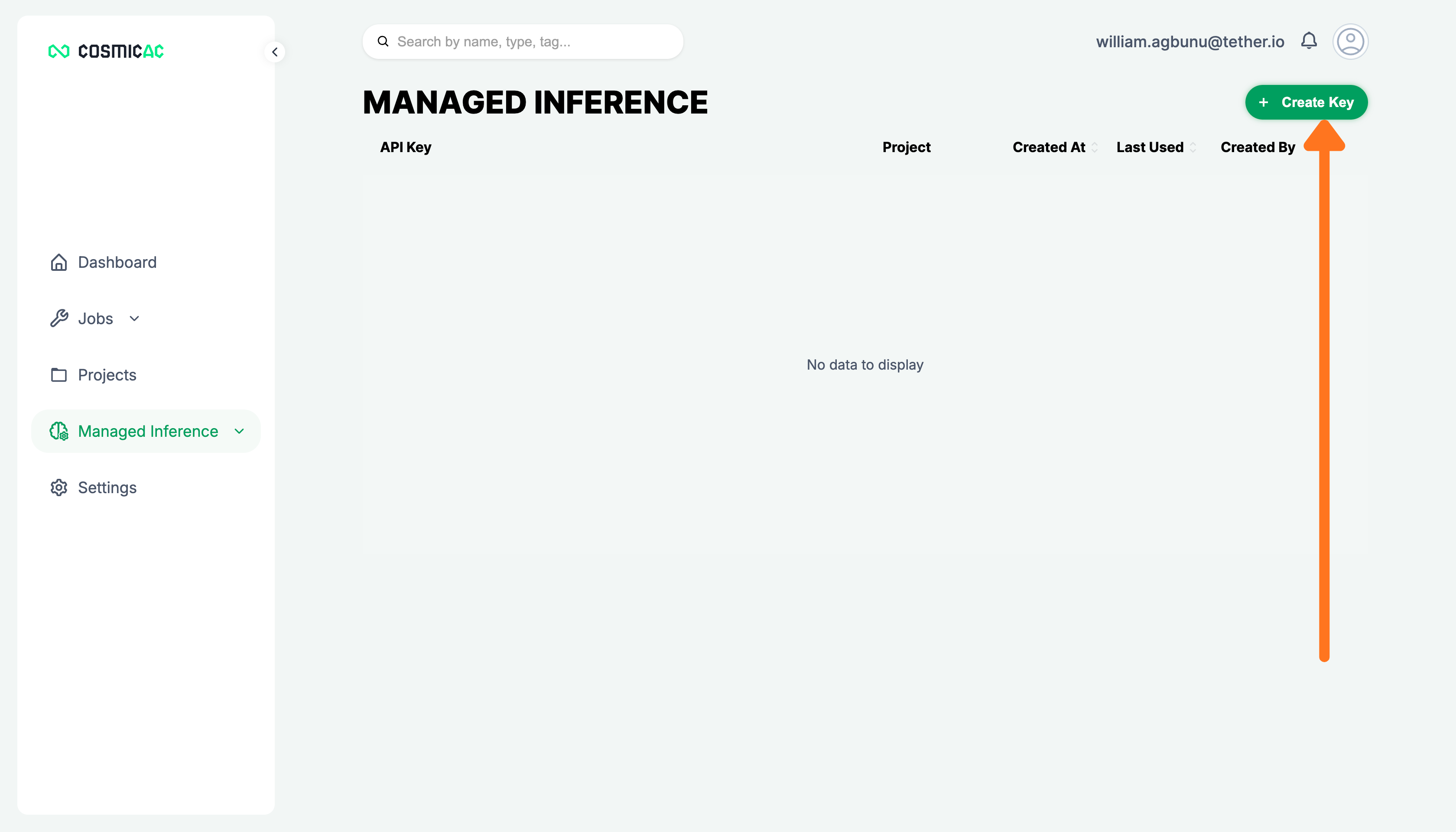
Get your Managed Inference API key
Set up your API key to start using Managed Inference. By the end, you will have a key ready to authenticate inference requests.
Prerequisites:
- A CosmicAC account
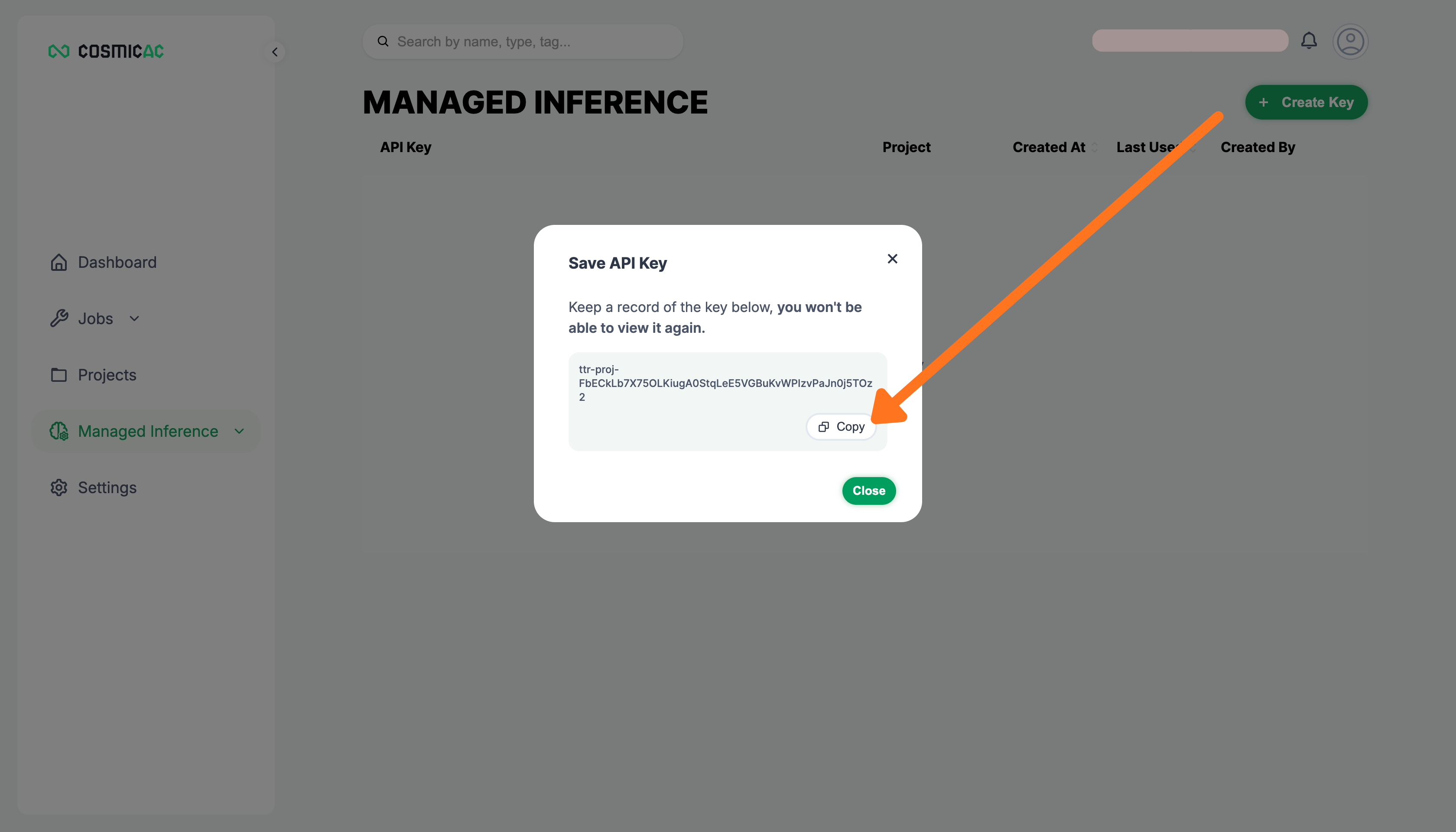
Copy your API key
Copy and store your API key securely.
This is the only time your API key will be displayed. Store it in a secure location before continuing.
Your API key is ready. Use it to authenticate inference requests from the CLI.